Setting Up Knowledge Base and Prompts
Make your Voice Bot smarter with an AI Knowledge Base. Learn to upload documents, index content and customize prompts for accurate AI responses.
The AI Hub allows you to create and manage a knowledge base that powers AI-driven responses. By uploading documents and configuring prompts, you can provide the AI with the information it needs to generate accurate and context-aware replies.
Step 1: Navigate to AI Hub
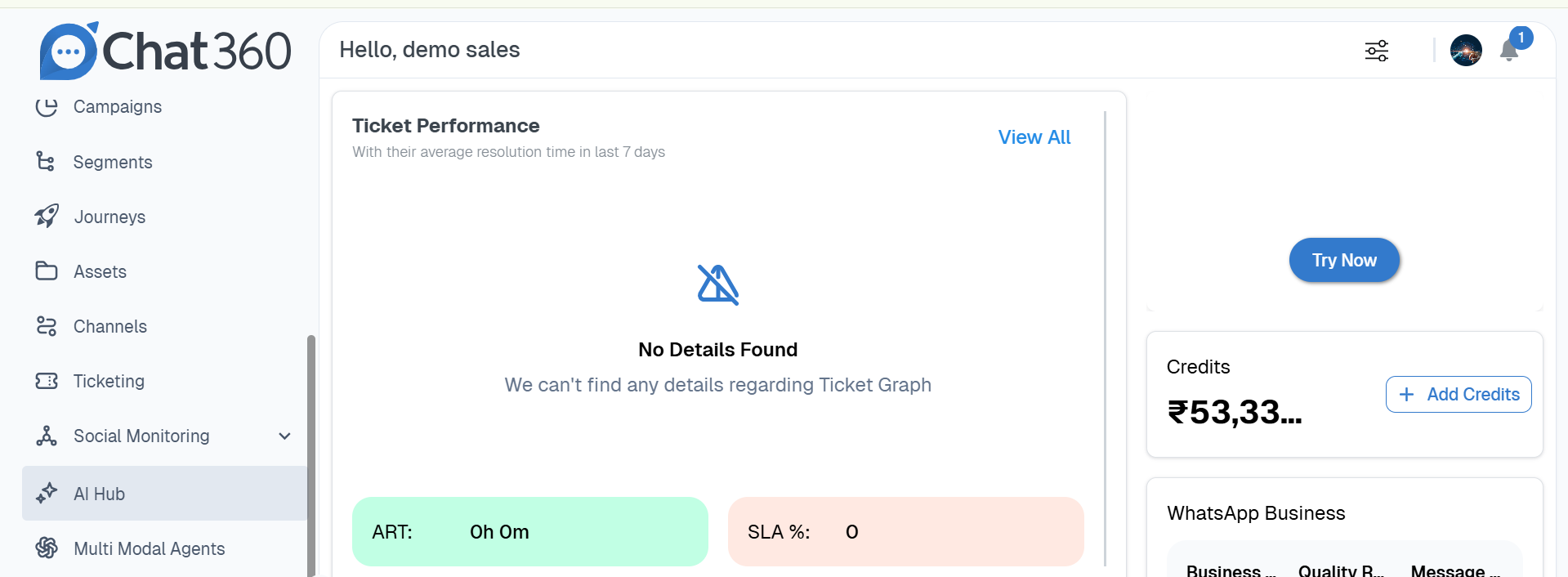
Log in to the Chat360 Dashboard.
From the left-side navigation panel, click AI Hub.
Step 2: Index a Document
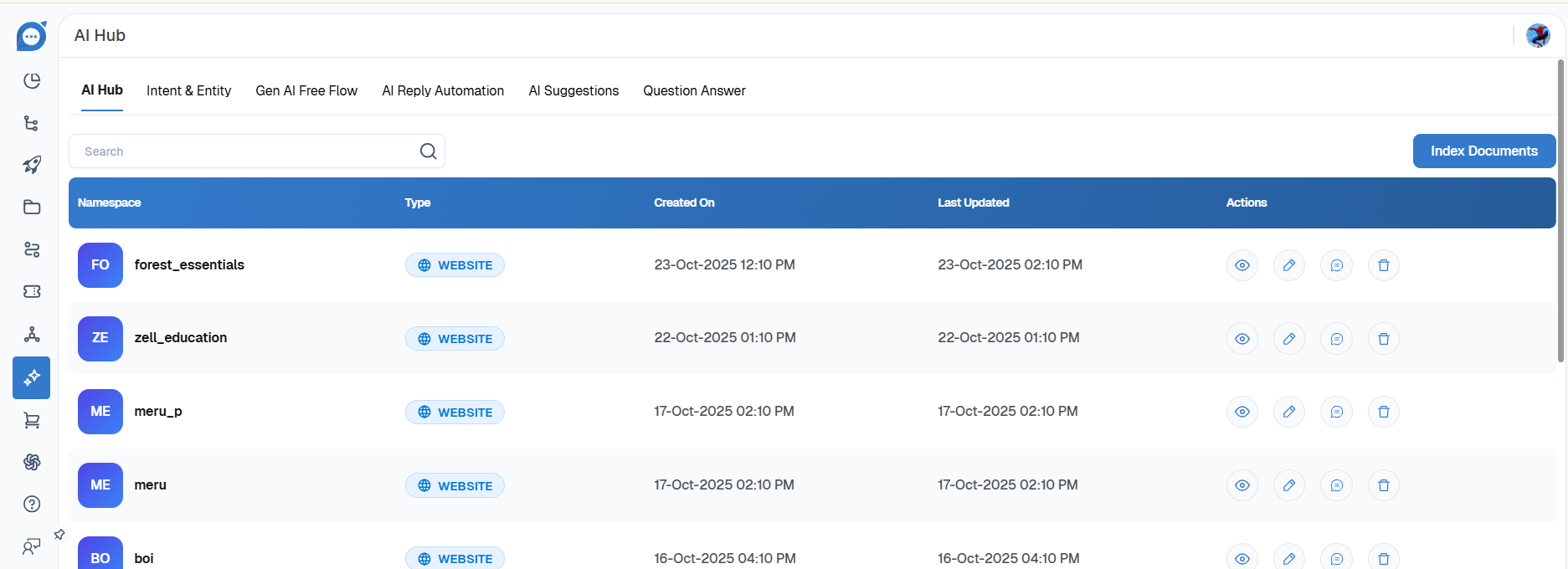
At the top of the AI Hub page, click Index Document.
This option allows you to upload content that will be used as the AI’s knowledge base.
Step 3: Upload a Document
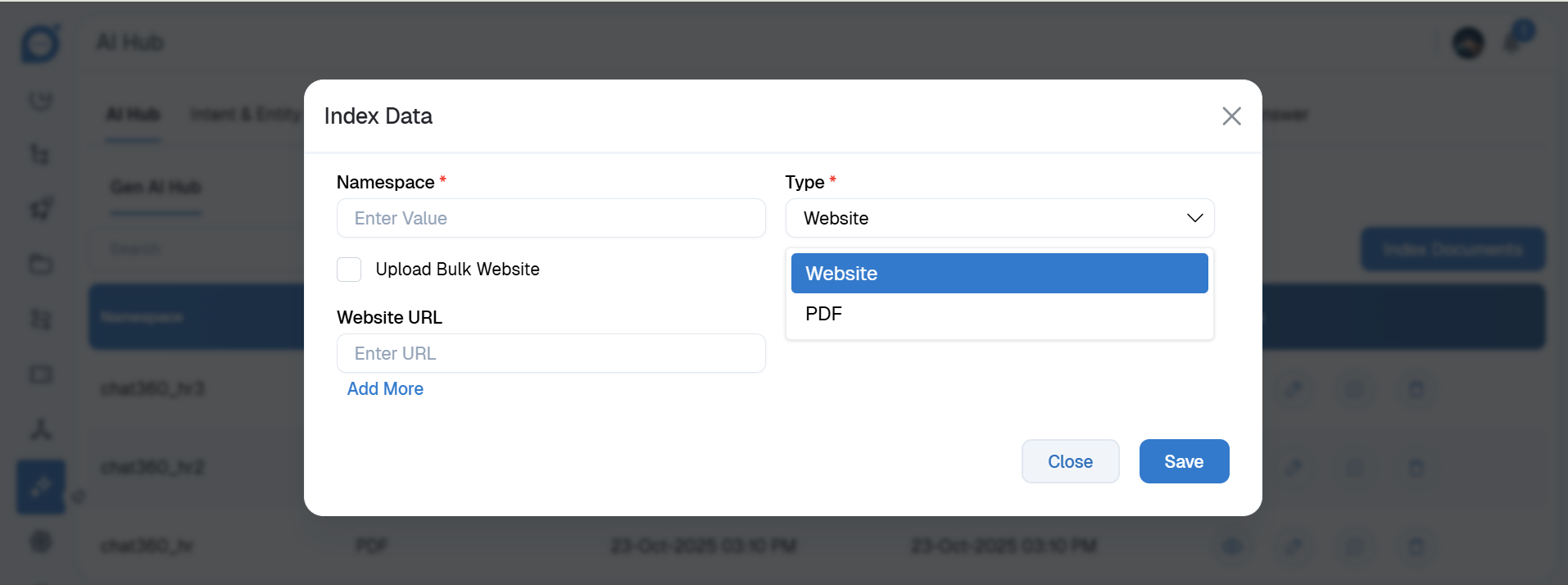
Select the document type you want to upload.
Upload the file to the platform.
Step 4: Edit or Customize Prompts
After the document has been indexed, locate it in the document list.
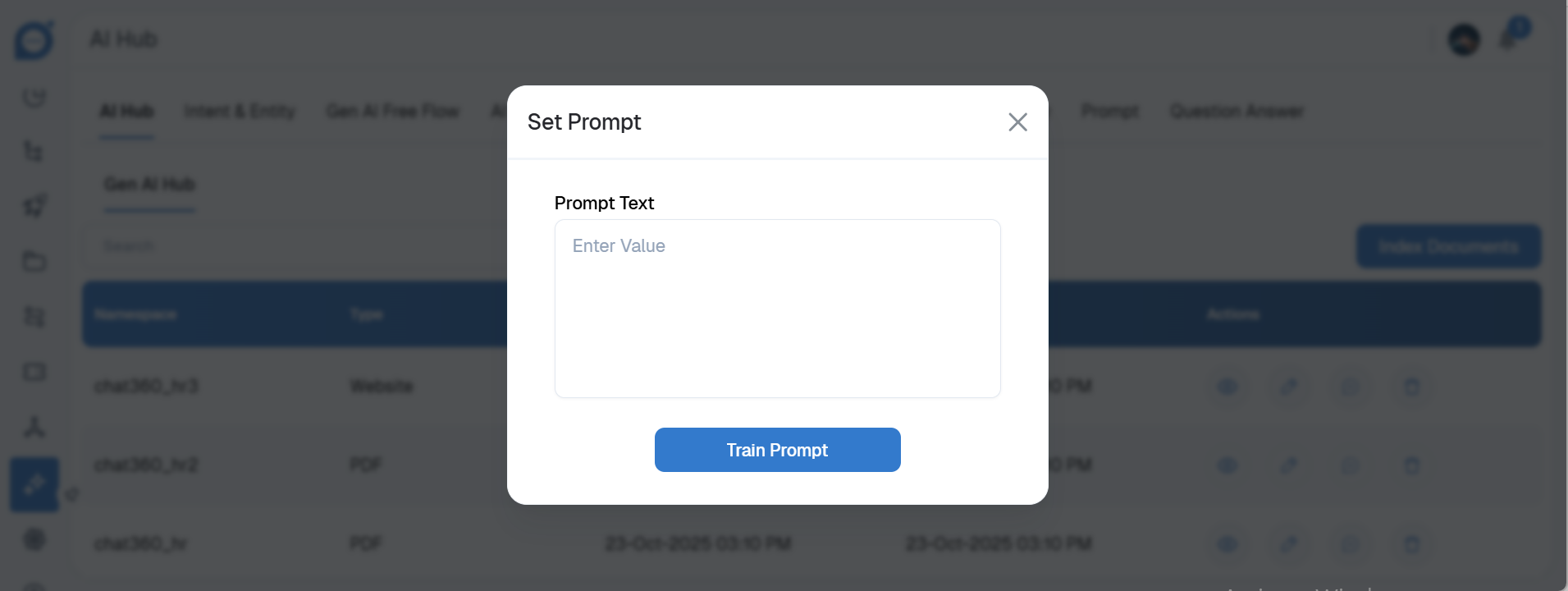
Click Edit to modify or configure the associated AI prompt.