Simplify Data Management with Agentic AI + Sheets
Bring conversations and customer data into one streamlined experience. With Chat360's smart Sheets integration, automate lead entry, simplify reporting, and take the manual effort out of backend data collection.
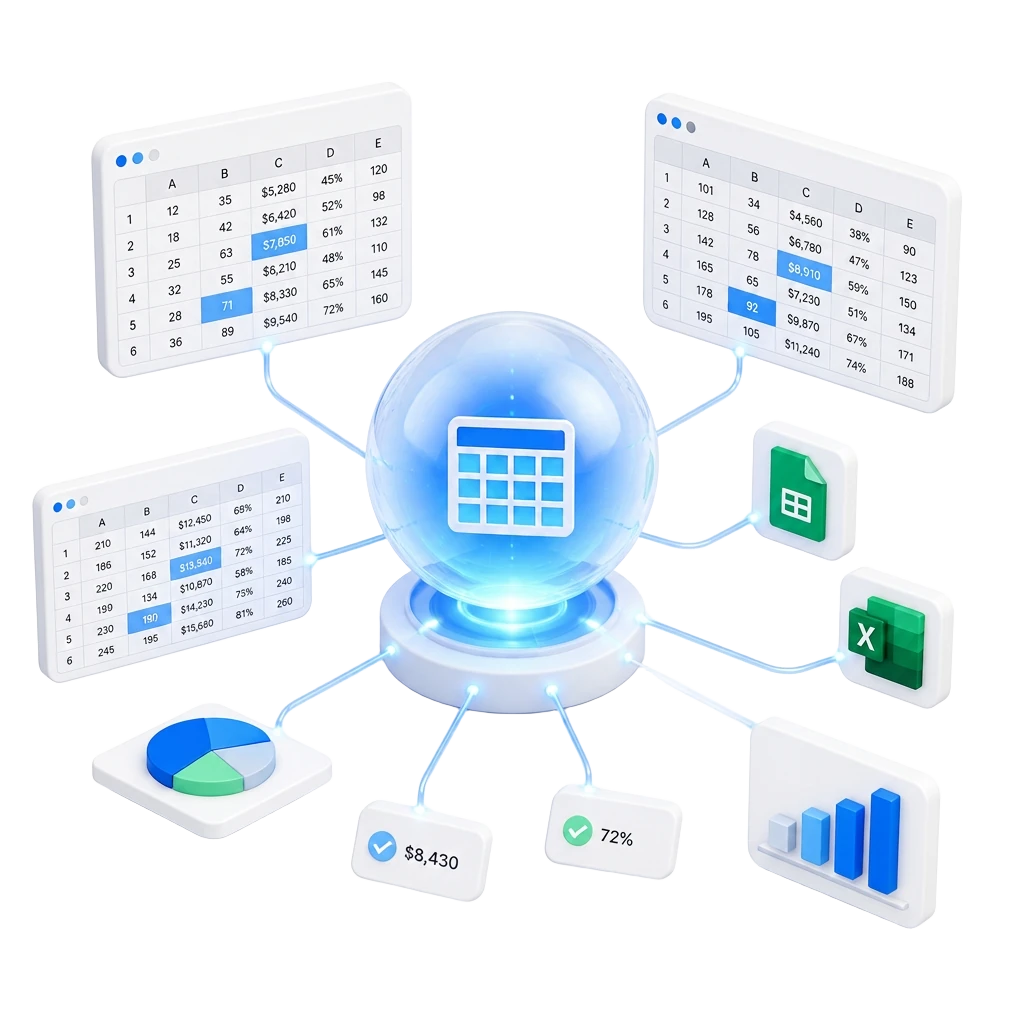
Seamless Sheets Integrations
Chat360 connects natively with the spreadsheet platforms your teams already use — plus custom data sources via secure APIs and webhooks.
 Google Sheets
 Microsoft Excel
 Zoho Sheet
 Airtable
 Smartsheet
 Notion
 Coda
Coda Quip
QuipWhy Integrate Your Sheets With Chat360
Turn every row of business data into an intelligent, AI-powered workflow that saves hours and eliminates manual effort.
Accelerate Operational Efficiency
Automate approvals, lead routing, order updates, notifications, reporting, and repetitive business processes using intelligent workflows powered by your spreadsheet data.
How Sheets Integration Works
Go live with AI-powered spreadsheet automation in three simple steps.
Connect Your Spreadsheet
Securely link Chat360 with Google Sheets, Microsoft Excel, Zoho Sheet, or a custom source using native connectors or APIs — go live in minutes with minimal configuration.
Configure AI Automation
Map sheet fields, set up intelligent workflows for lead capture, approvals, order updates, and reporting — and let AI Agents read and write rows in real time.
Drive Business Outcomes
Eliminate manual data entry, unify customer data, power AI conversations with live business data, and scale operations without adding overhead.
Sheets Integration: Common Questions
Answers to the most common questions about connecting Chat360 with your spreadsheets.