Voice Bot Components
Explore Chat360 Voice Bot components to build AI-powered call flows with Gen AI, intents, entities, conditions, inputs, languages, variables and integrations.
Chat360 provides a set of Voice Bot components that allow you to design conversational call flows using a drag-and-drop builder. These components help capture user inputs, control conversation logic, integrate external systems, and deliver automated voice interactions.
By combining these components, you can create voice bots for tasks such as customer support, data collection, surveys, notifications, and automated workflows.
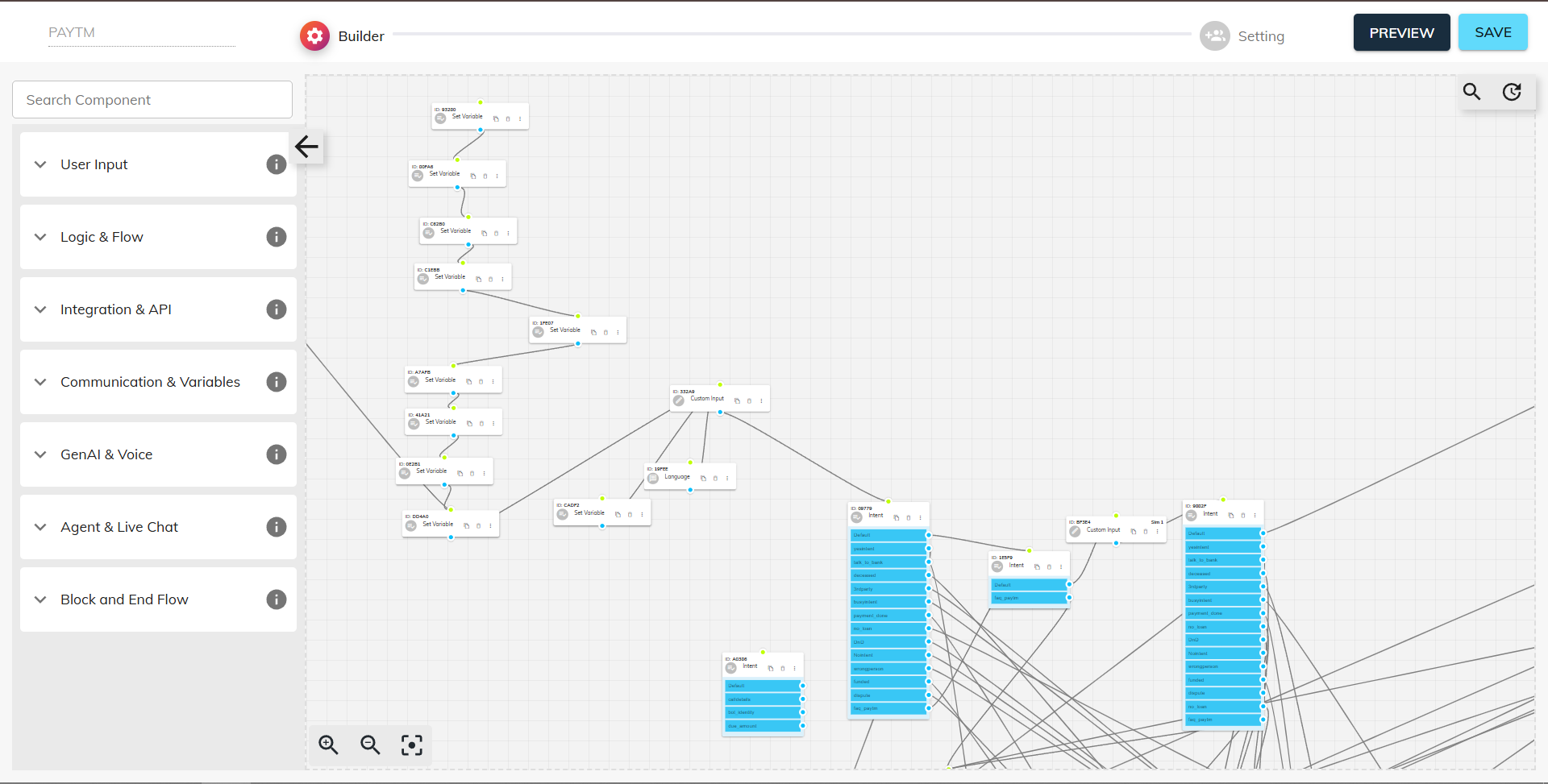
Core Components
1. Start
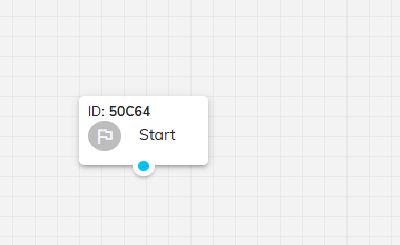
Purpose: The Start component is the entry point of every voice bot flow.
Key Details
Automatically added when a new voice bot is created.
Defines where the call flow begins.
Cannot be deleted or reordered.
2. Name
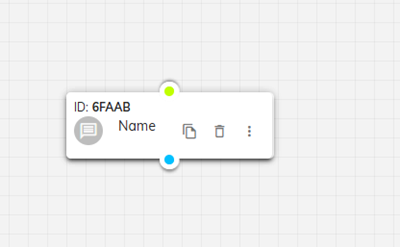
Purpose: Captures the user's name during the call. Functionality
Prompts the caller to provide their first name or full name.
Extracts the spoken response and identifies the name.
Stores the captured value for personalization or database records.
Example Use Case: Greeting users by name during the conversation or storing customer details for follow-up communication.
3. Phone
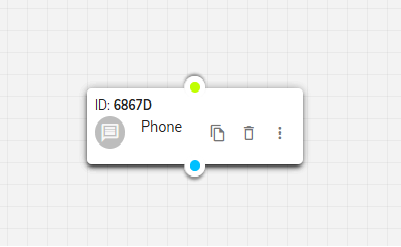
Purpose: Record and validate a phone number provided by the user.
Prompting: The BOT asks the user to speak or enter their phone number.
Validation & Parsing: Automatically detects the digits within the response, strips out any extraneous words, and stores only the valid number.
Use Cases: Enables secure verification steps (e.g., OTP delivery) and keeps contact data consistent for callbacks or SMS follow-ups.
4. Conditional
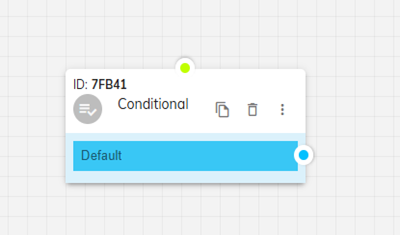
Purpose: Routes the conversation based on conditions or variable values.
Functionality:
Supports IF–ELSE logic
Allows use of AND / OR operators
Routes callers to different flows depending on input values
Example Use Case: If a customer’s account balance is greater than a certain value, the bot can offer premium services; otherwise, it routes to standard options.
5. Gen AI
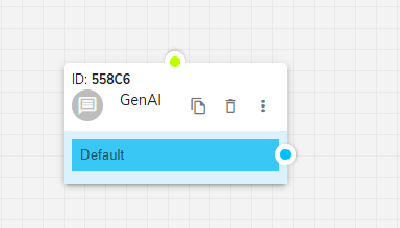
Purpose: Assign specific tasks to the BOT by defining a prompt for dynamic, tailored responses.
Task Assignment: Allows you to configure the BOT to capture user details or generate customized responses based on user input during the call.
Dynamic Response Generation: Enables the BOT to provide personalized interactions that adapt to the user's specific needs and context.
Prompt-Based Configuration: Uses defined prompts to guide the AI in delivering appropriate responses throughout the conversation flow.
6. Message
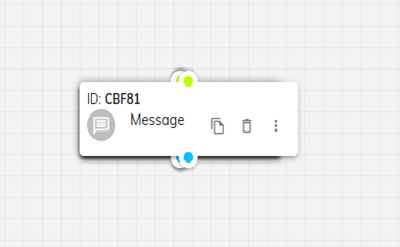
Purpose: Delivers audio messages without expecting user input.
Functionality
Plays pre-recorded or generated audio messages
Used for announcements, instructions, or updates
Example Use Case: Providing information such as business hours or service updates.
7. Multi Choice
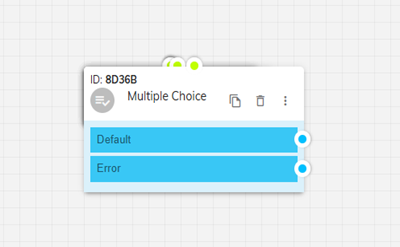
Purpose: Enable users to select from multiple predefined flow options based on their response.
Flow Branching: Allows the system to route users to different conversation paths based on their chosen option.
Question-Response Mapping: Uses the question asked and the response received to determine the appropriate flow direction.
User Navigation: Provides structured decision points that guide users through different conversation branches.
8. Custom Input
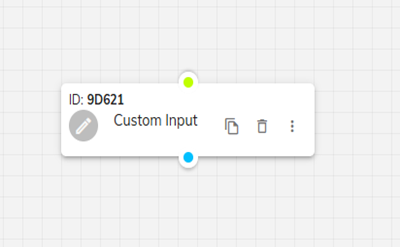
Purpose: Capture any user-defined response and store it for specific use cases.
Flexible Input Capture: Allows users to provide any type of response that the system needs to record.
Custom Response Handling: Captures and stores the specific utterance provided by the customer.
Versatile Data Collection: Suitable for collecting various types of user input that don't fit standard categories.
9. Intent
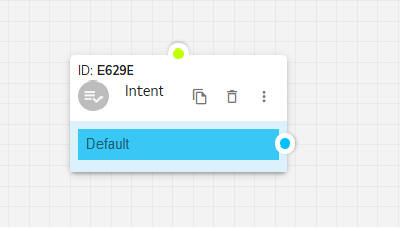
Purpose: Capture specific customer inputs in a customized way through prompt-based configuration.
Prompt Format Definition: Allows creation of intents by defining them in a specific prompt format within the "AI Hub."
Intelligent Interpretation: The system interprets the prompt and accurately captures the required details from user responses.
Customized Data Extraction: Enables precise capture of user information based on predefined instructions and requirements.
10. Entity
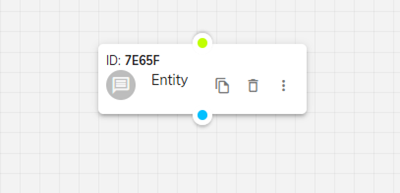
Purpose: Help the BOT capture and process data to move forward in the conversation flow.
Data Processing: Enables the BOT to extract and analyze relevant information from user inputs.
Flow Progression: Ensures smooth continuation of the conversation based on captured data.
Information Management: Processes user data according to the designed flow requirements.
11. G-Sheet Component
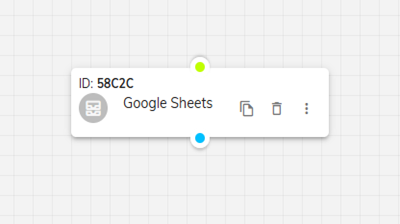
Purpose: Update captured data and BOT call details to a Google Sheet for record-keeping.
Data Synchronization: Enables automatic updating of call information to configured Google Sheets.
Custom Configuration: Allows admins to configure their own Google Sheet and capture details as per their requirements.
Real-Time Updates: Provides seamless integration for maintaining up-to-date records of bot interactions.
12. Language Component
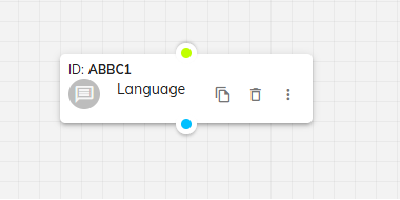
Purpose: Allow users to select their preferred language for the BOT flow execution.
Language Selection: Enables the admin to ask for the user's preferred language before starting the conversation flow.
Multi-Language Support: Executes the flow in the language selected by the end user.
Language Restrictions: Allows admins to restrict which specific languages should be accepted for the bot interaction.
13. Set Variables
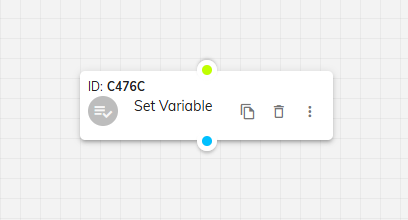
Purpose: Pre-define variables in the flow that can be used throughout the conversation.
Variable Definition: Allows admins to define variables and their values that will be used in the flow.
Flow Integration: Enables the same variable to be called wherever required throughout the conversation.
Dynamic Configuration: Provides flexibility in managing data and responses across different parts of the bot flow.
14. WhatsApp Template
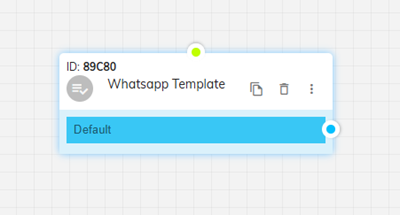
Purpose: Send approved Meta template messages to users' WhatsApp during voice BOT interactions.
Dual Channel Integration: Provides seamless integration between voice and WhatsApp channels for enhanced customer engagement.
Template Messaging: Triggers approved Meta template messages at any point during the Voice BOT interaction.
Enhanced Engagement: Creates a more comprehensive customer experience by combining voice and text communication channels.
By combining these components, you can build robust, interactive voice experiences—from simple data collection to complex decision trees—fully within the Chat360 Voice BOT builder.