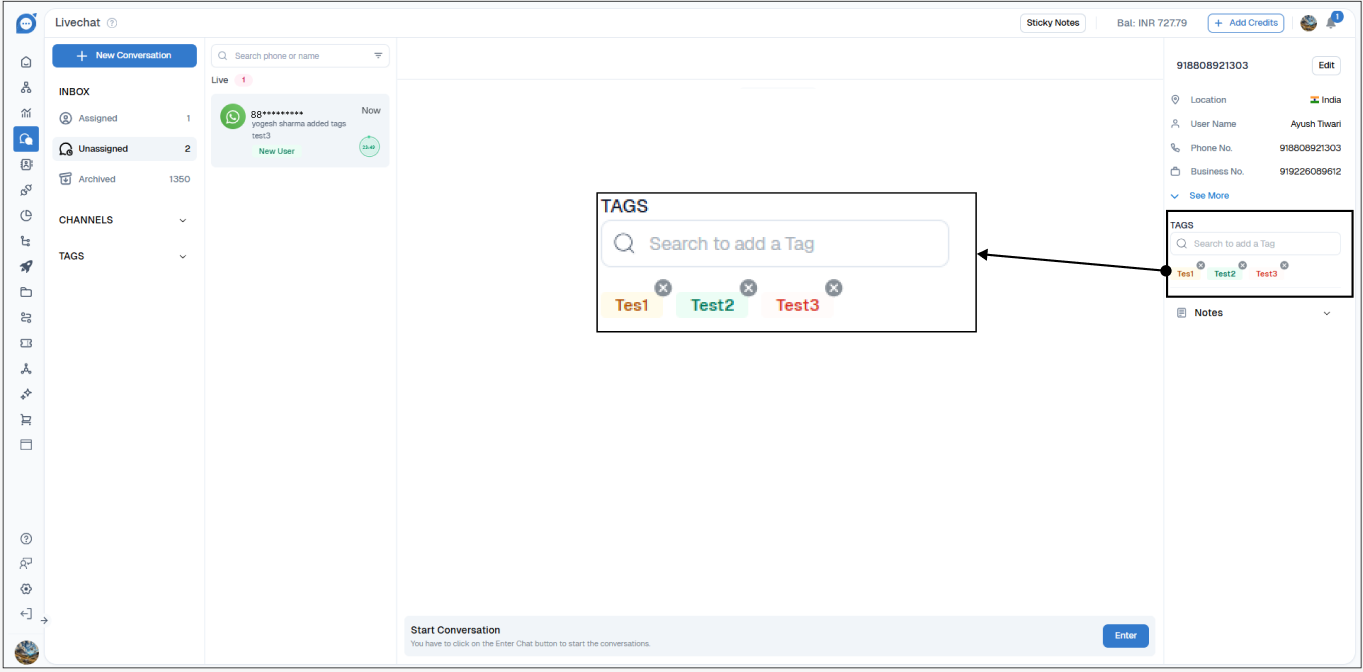
Tag
Stop losing important conversations in busy inboxes. Tag Live Chats by topic, department or use case and find the right conversations faster.
Tagging is a powerful feature in Chat360’s Live Chat module that allows agents and administrators to label conversations with specific identifiers. This helps in organizing, filtering, and retrieving chat rooms efficiently based on topics, departments, use cases, or testing environments.
How to Assign a Tag?
Open a chatroom in Live Chat.
Click on the hamburger menu (≡) in the chatroom header.
Scroll to find the "Tags" section.
Select an existing tag (e.g., test1, test2, test3) or type a new tag to create one.
Click to assign the selected tag to the chatroom.
Managing Tags
Navigate to Configuration Settings → Tags and Attributes
From here, Admins can:
Create new tags based on emerging needs
Edit existing tags to update naming conventions
Delete old or redundant tags to maintain clarity